

Now you see it. Now it's sold.
Your closet is full… with nothing to wear. Your camera roll is full… with nothing listed. …and that listing you started in March 2021? Still a draft.
Poof is an app that helps you post items on online marketplaces, from your photos to the listing to the sale.
Poof turns a camera roll into listings.
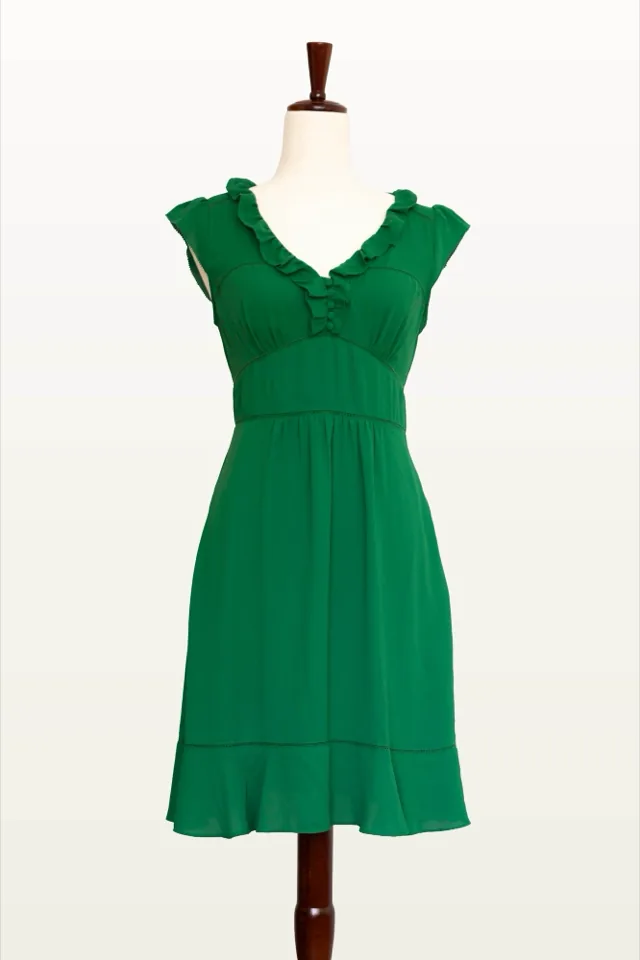
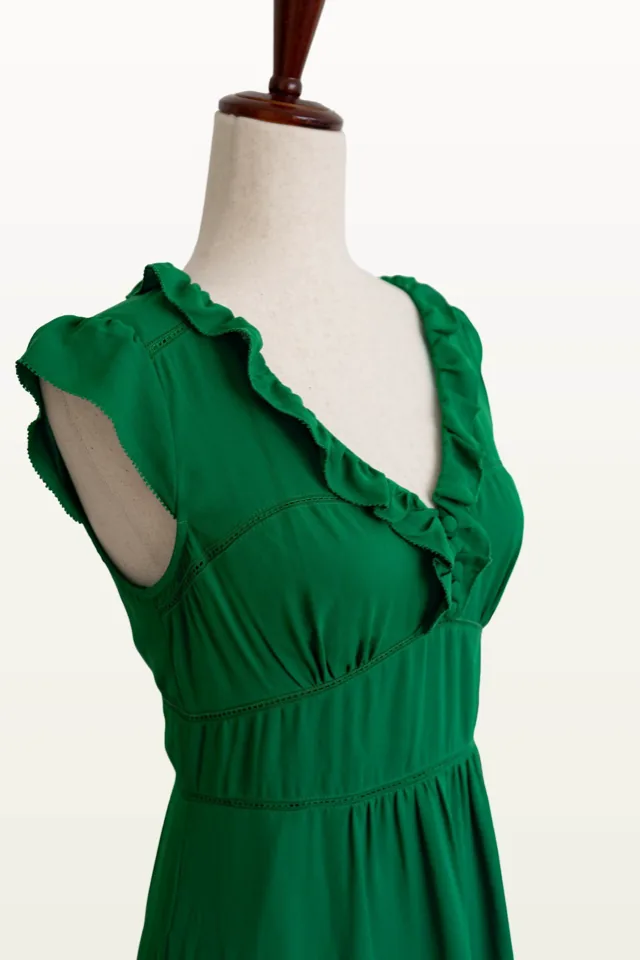
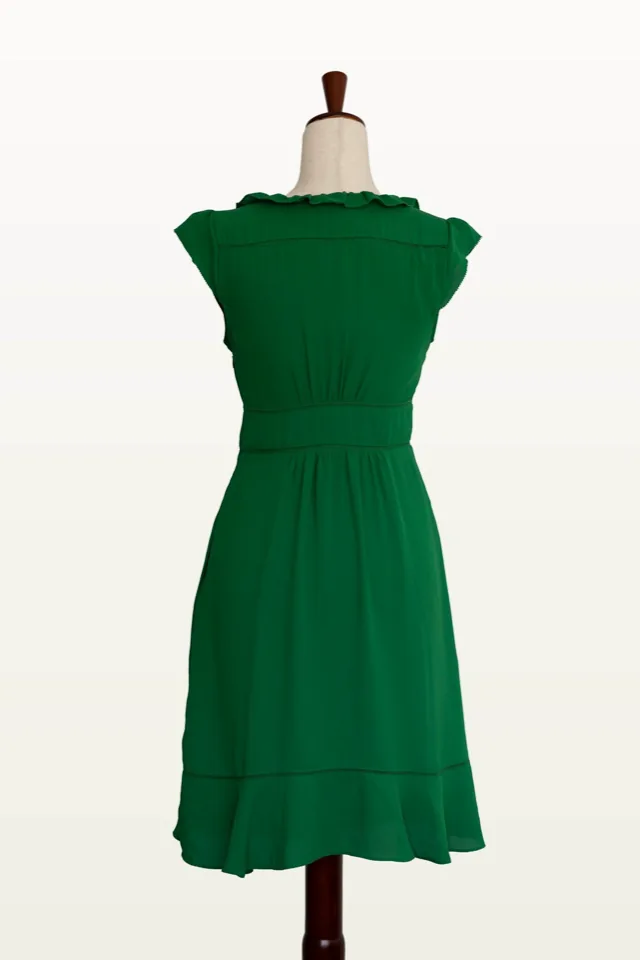
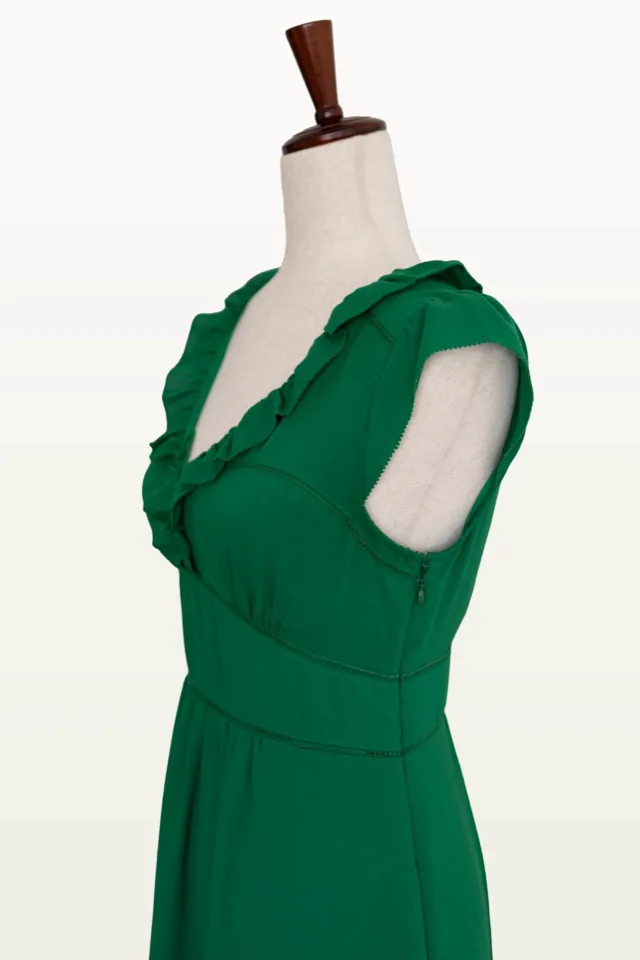
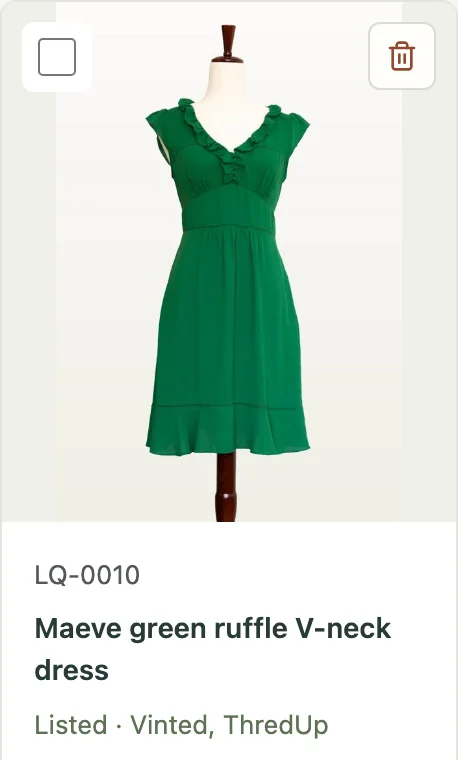
LQ-0010
Maeve green ruffle V-neck dress
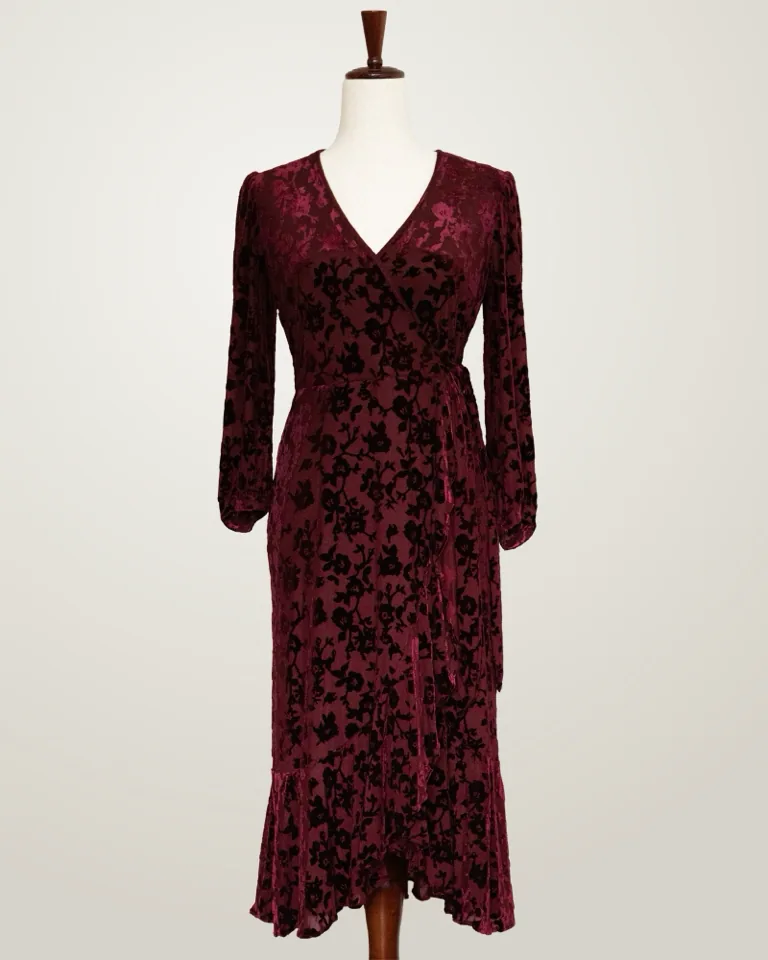
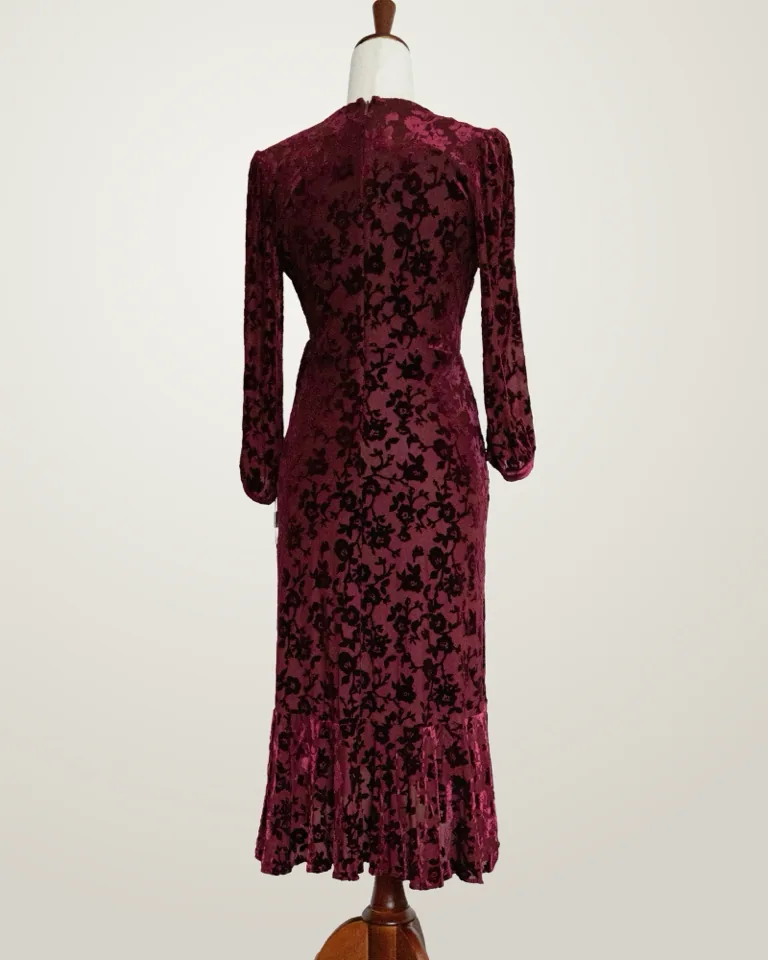
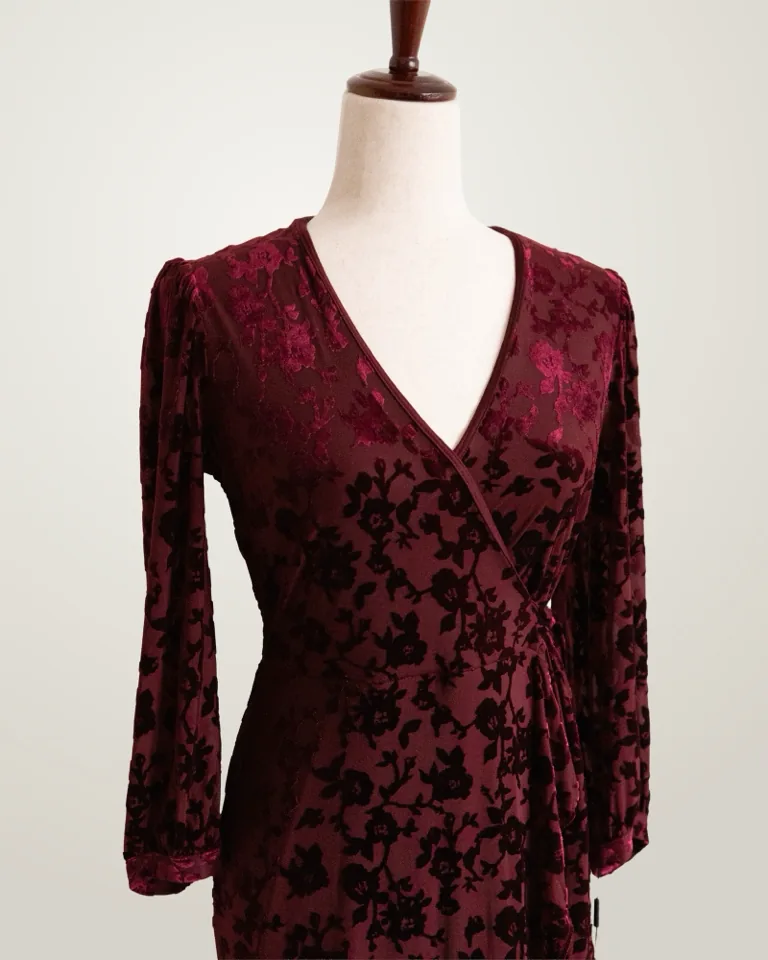
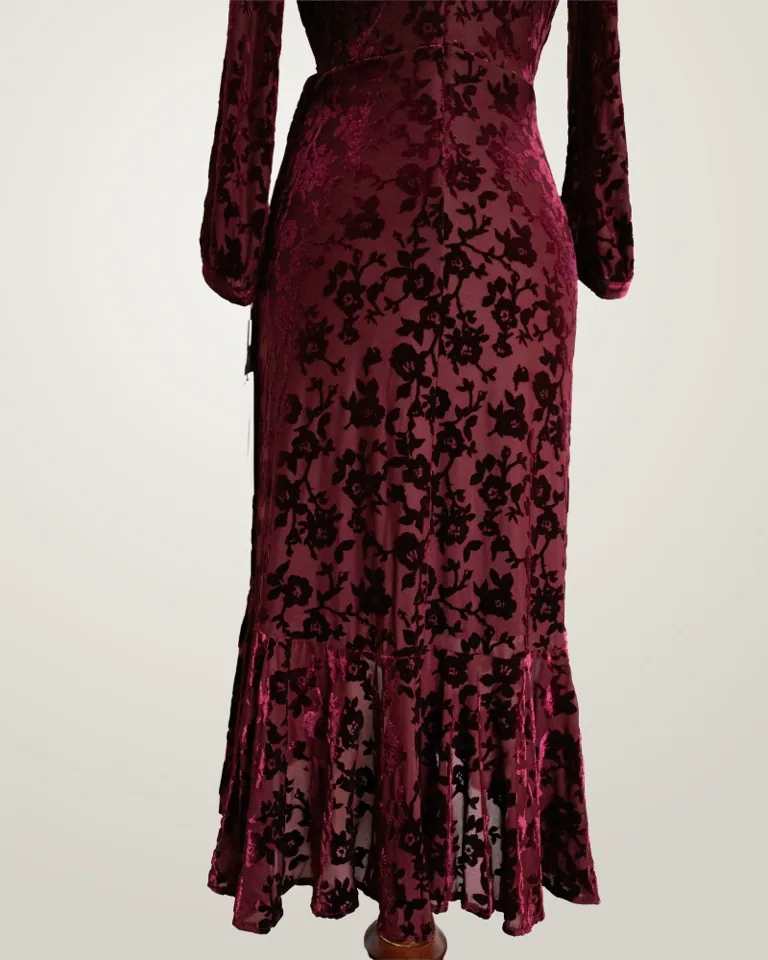
LQ-0008
Calvin Klein burgundy velvet wrap dress
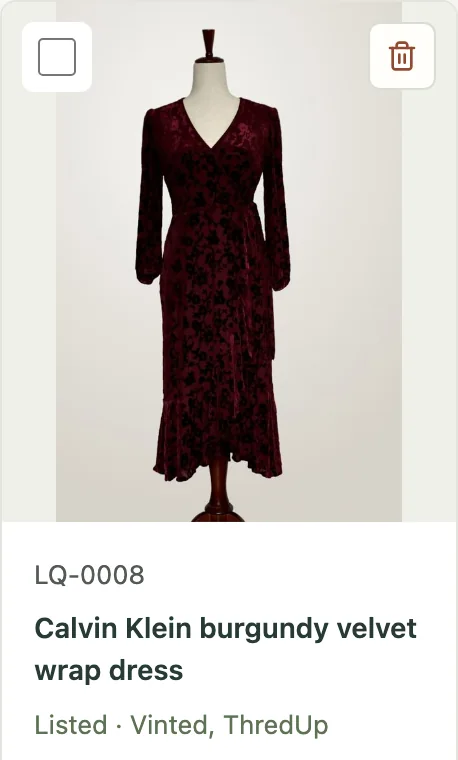
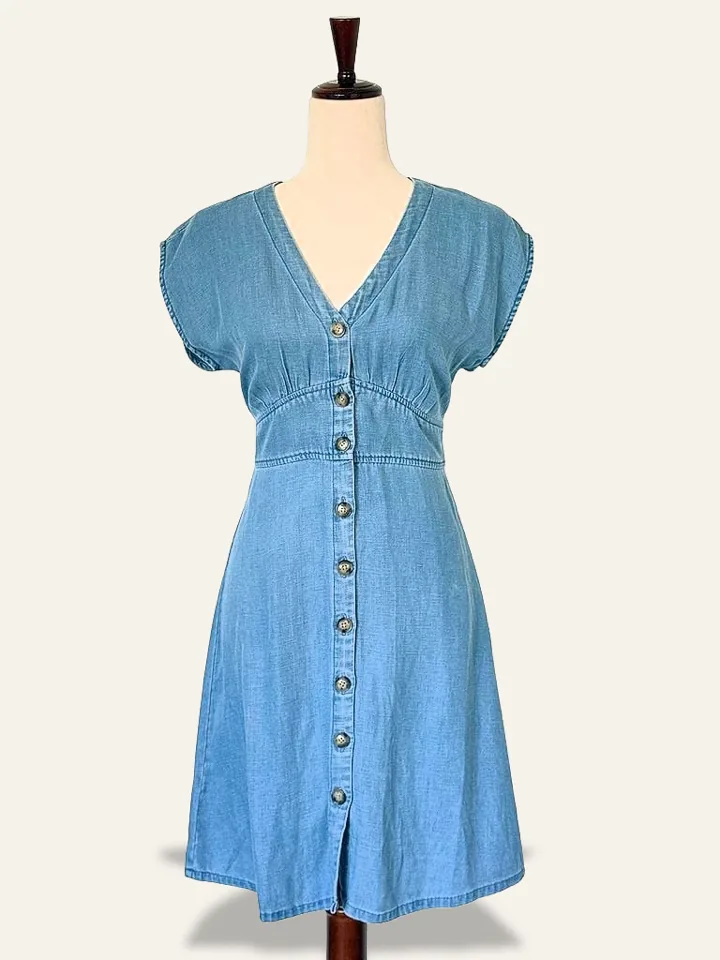
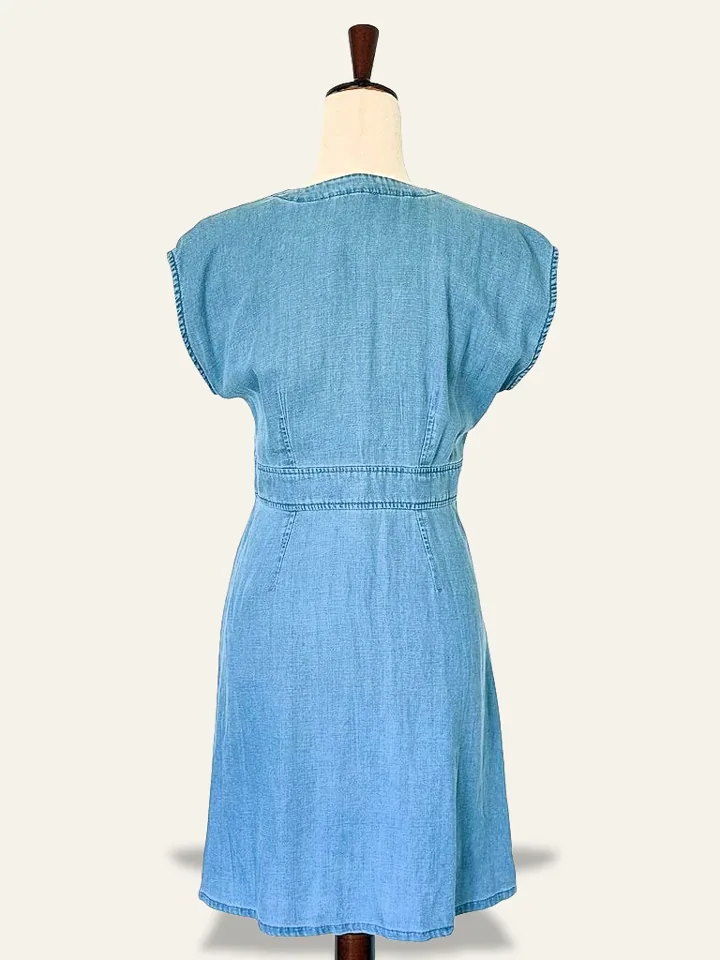
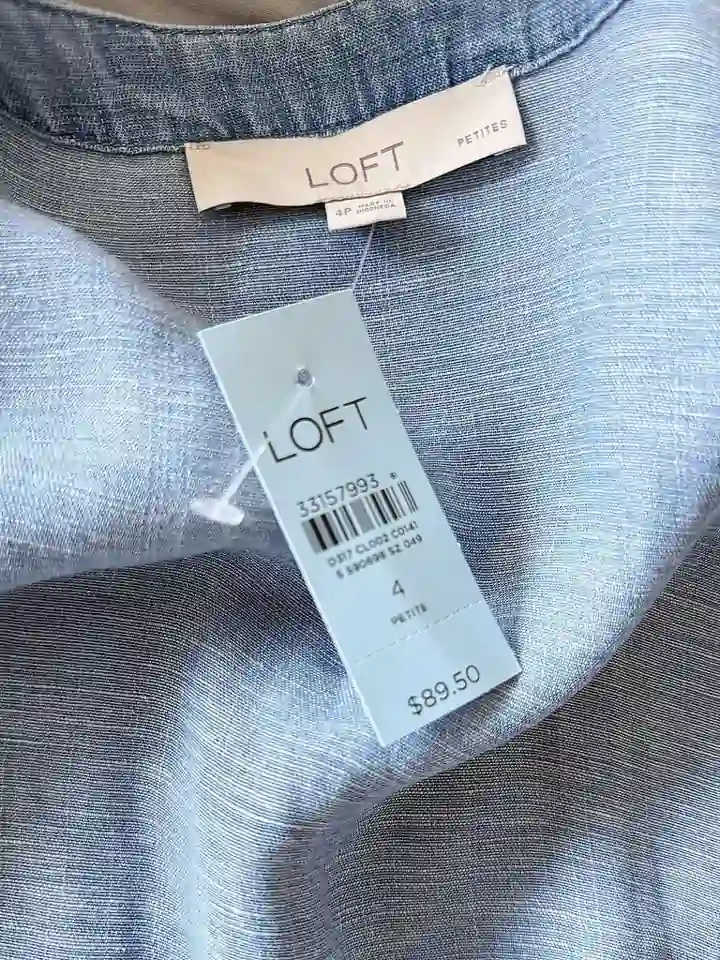
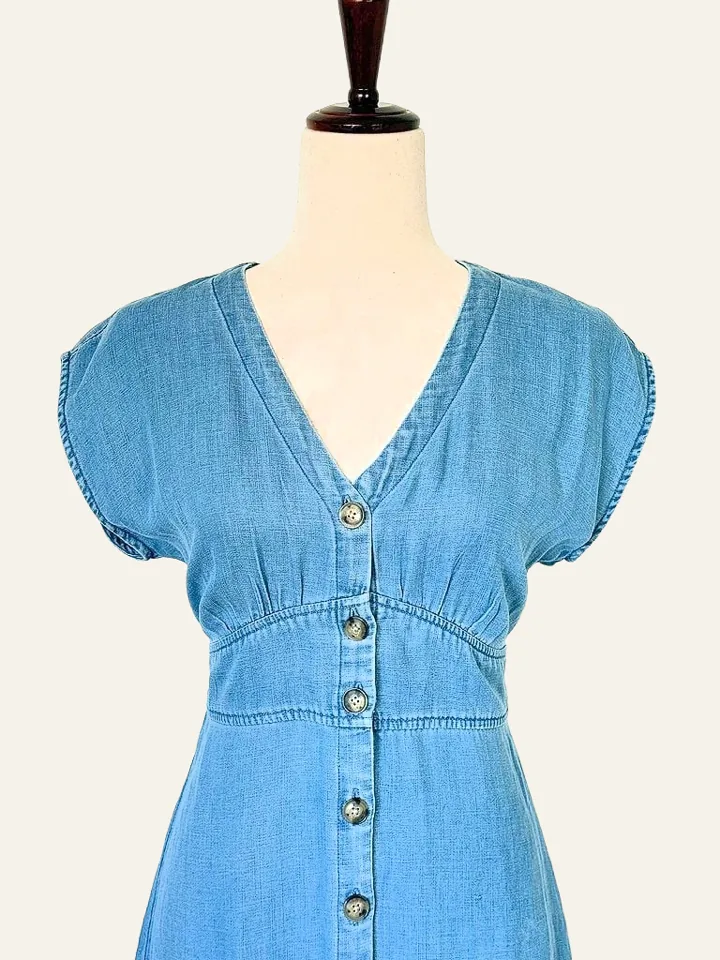
LQ-0006
LOFT chambray button-front dress
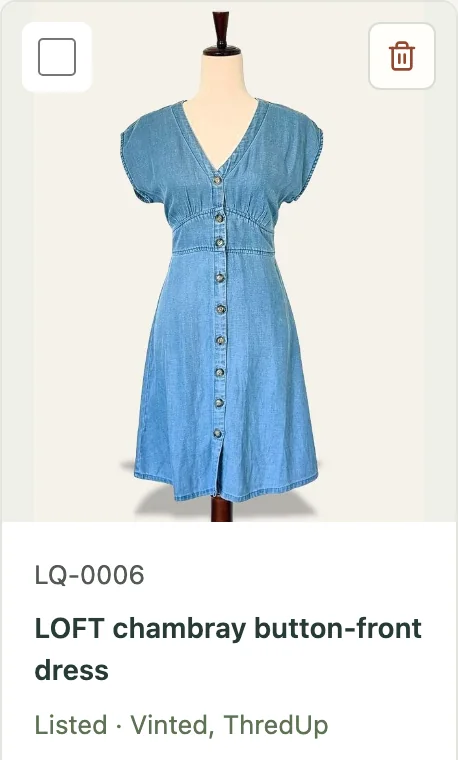
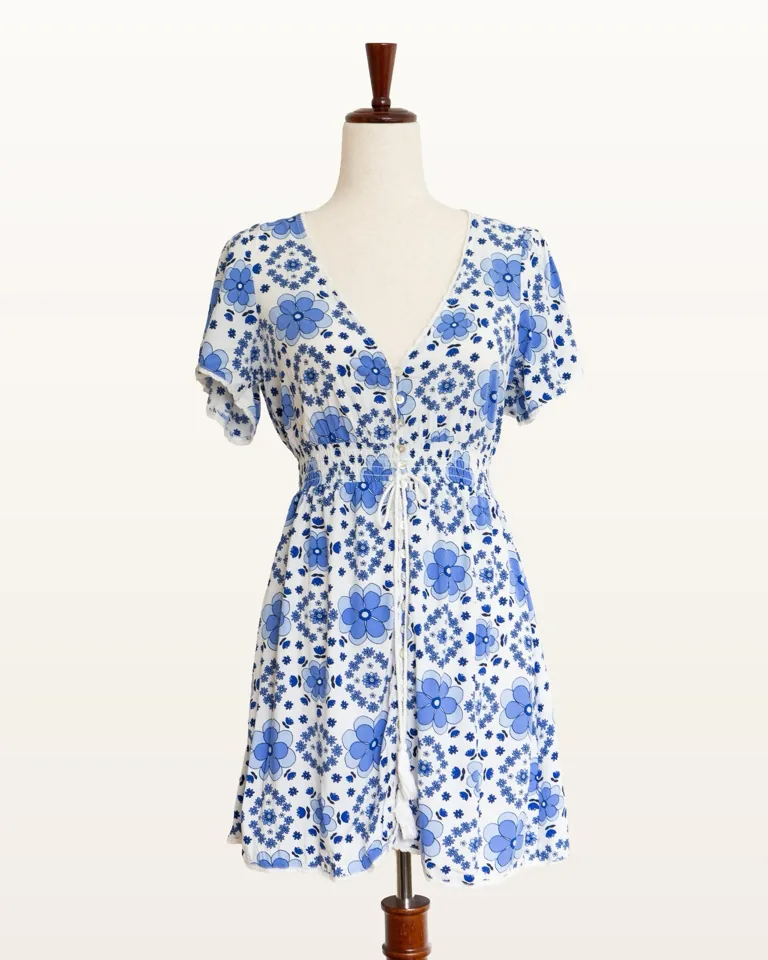
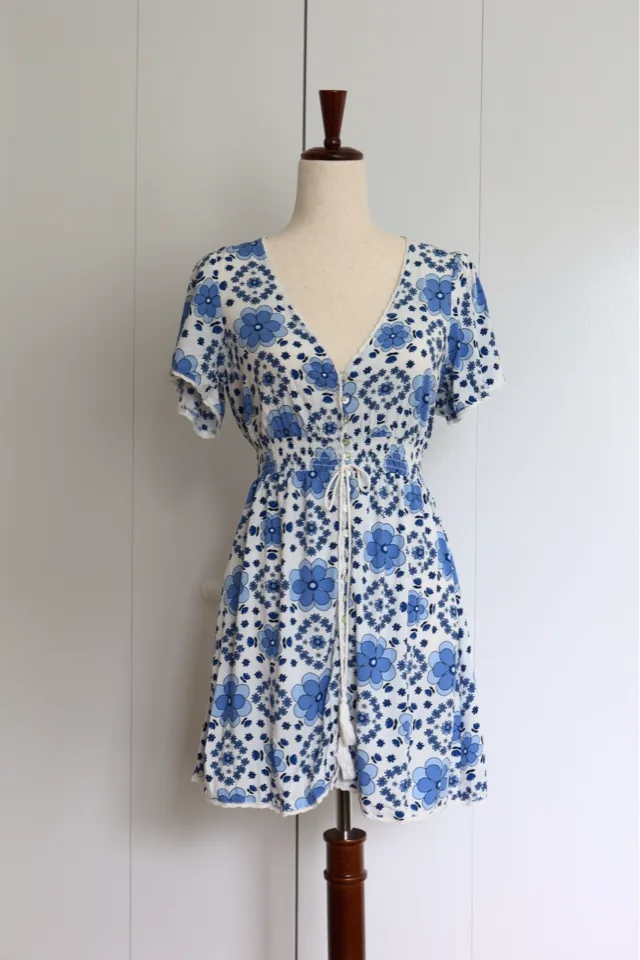
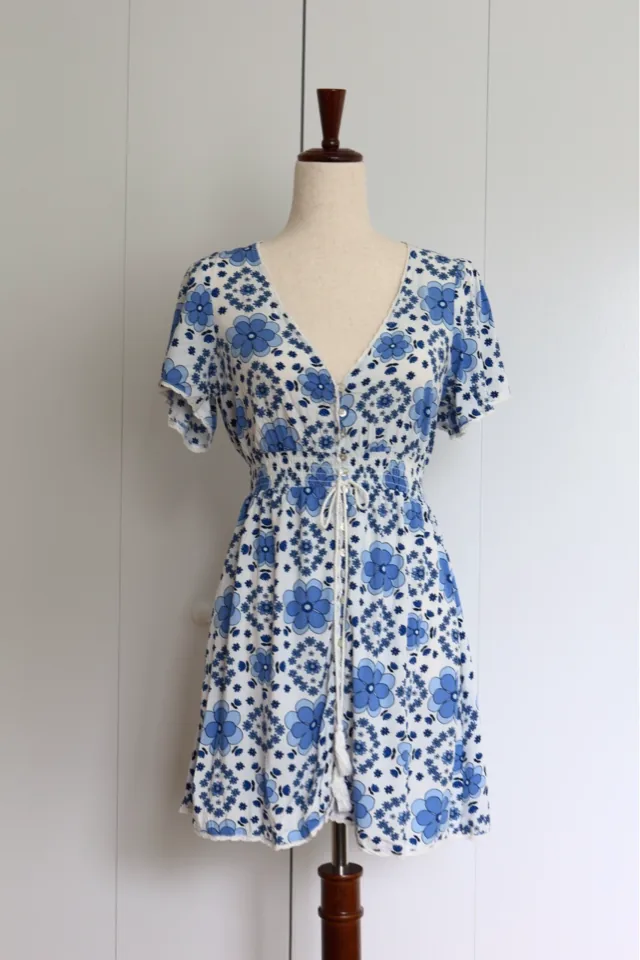
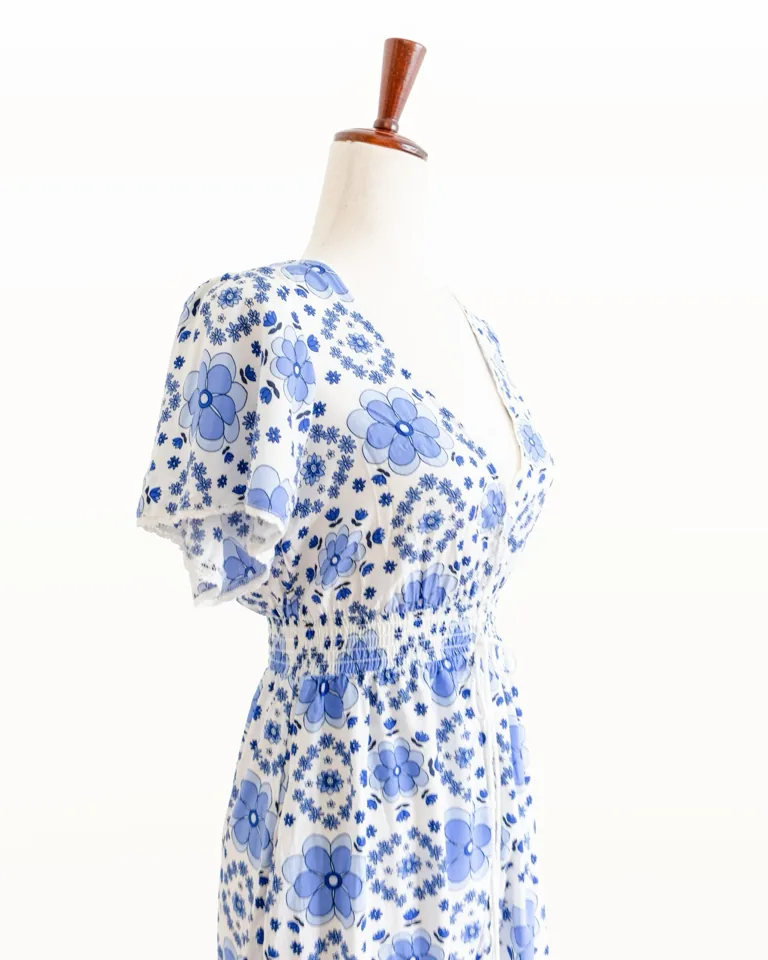
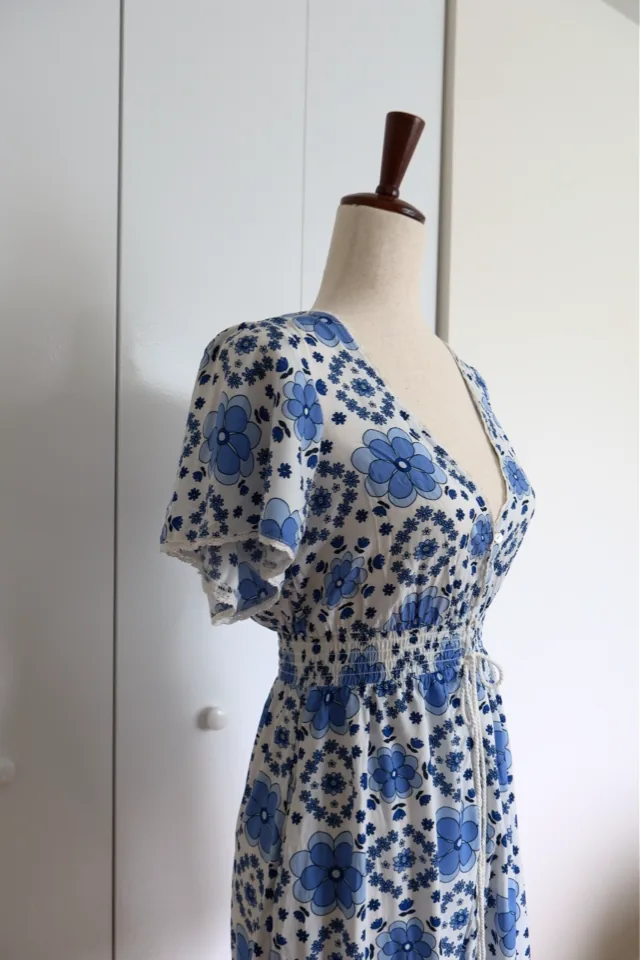
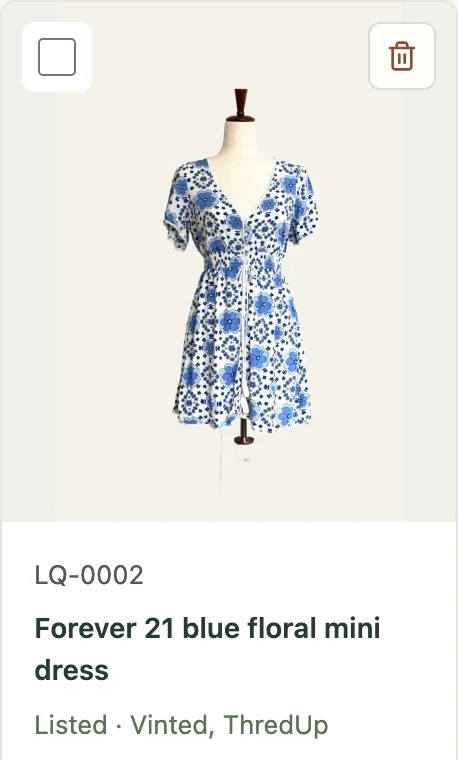
LQ-0002
Forever 21 blue floral mini dress
What it does
- Bring in photos. Choose photos from your computer or connect a photo folder. Your original files stay exactly as they are.
- Sort the pile. Group photos into items, each with its own photos, details and a short code such as LQ-0001. AI can suggest groups if you switch it on.
- Make it look good. Fix colors, straighten and crop in the built-in photo editor. With a cut-out from Photoshop or the free cut-out add-on, swap a messy background for a clean one.
- Write the listing. Write a title and description yourself, or let AI draft one from your notes and photos, which you can edit.
- Post it yourself. Your listing photos come out cropped, named and in order, cover first. Copy the title, description and price into the marketplace's Sell page, post, and paste the link back.
- Mark it sold. Record the sale, keep a To ship list and print a shipping label.
The Poof app
This is what Poof looks like. Switch tabs to see Home, the Photo inbox and an item, and scroll inside the window. Or open the demo and click around for real.


Built-in photo editor
Edit photos inside Poof: light, color, straightening, crop and background, on a working copy of the original.
Best tried on a computer — the editor below works, but it's made for a mouse and a big screen.
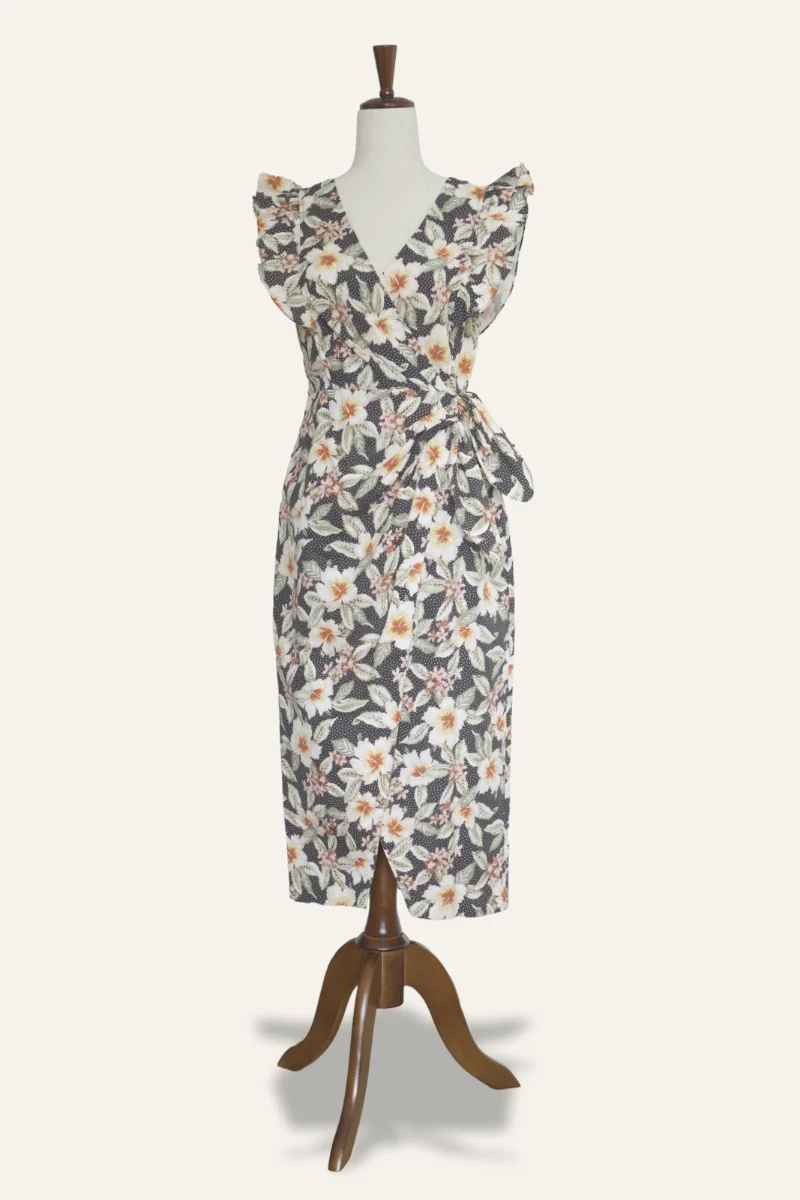
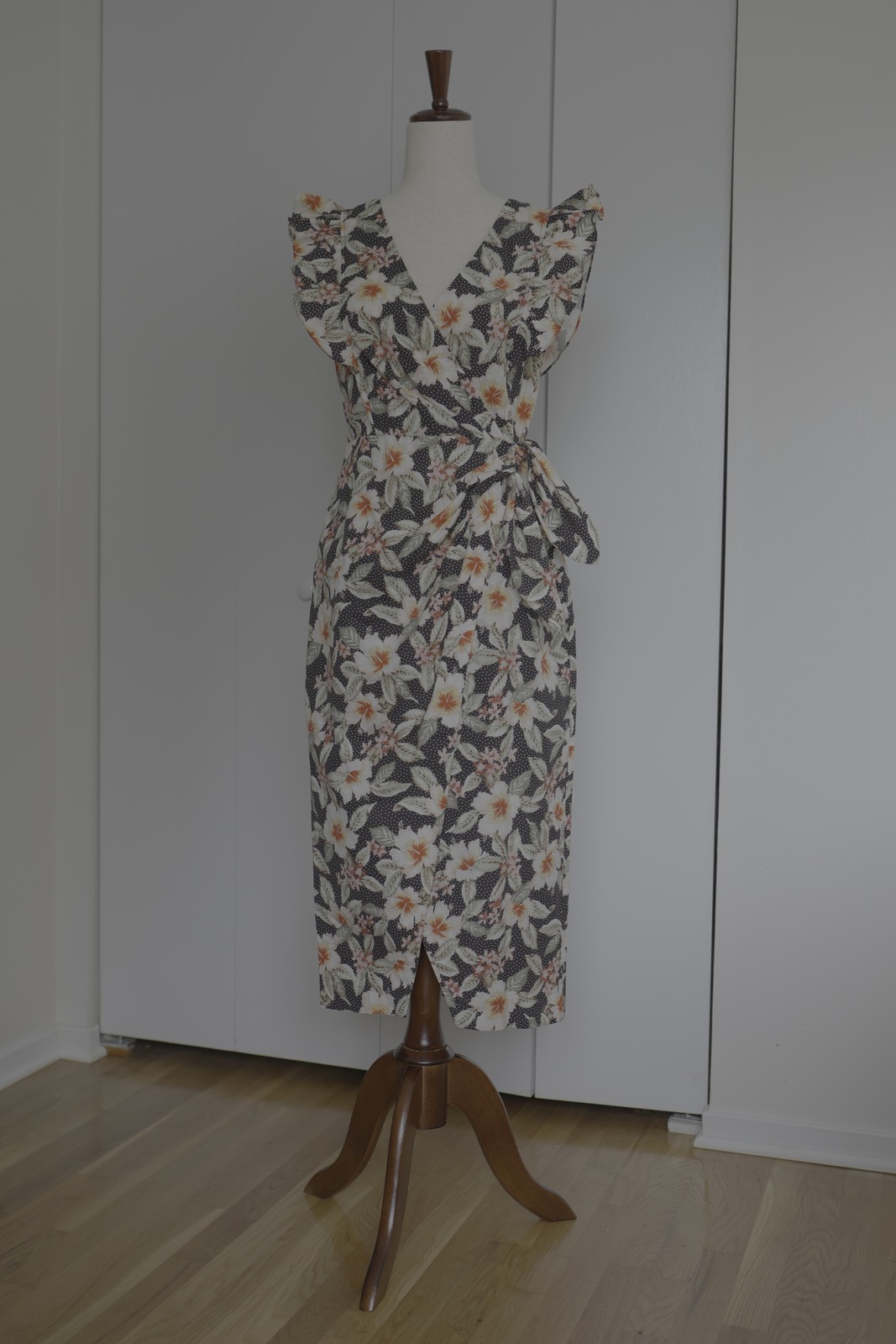
Drag to compare.
The live editor needs WebGL 2, which this browser doesn't offer, so here is the result instead.
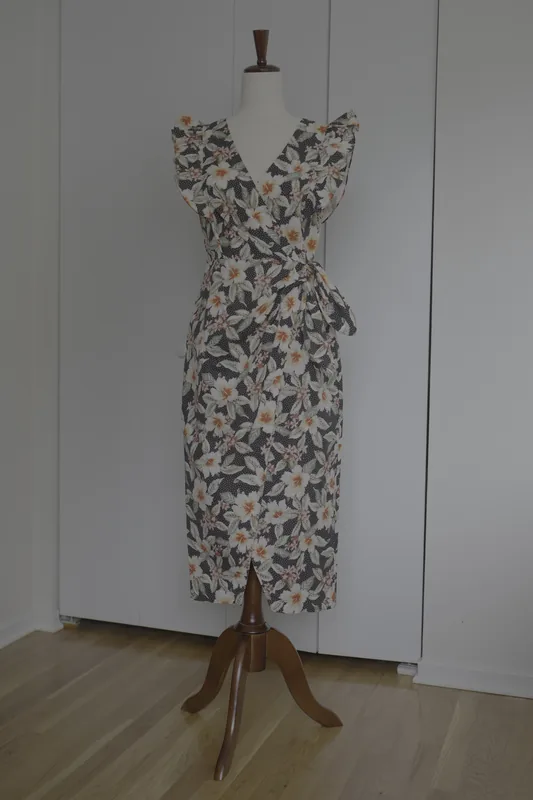
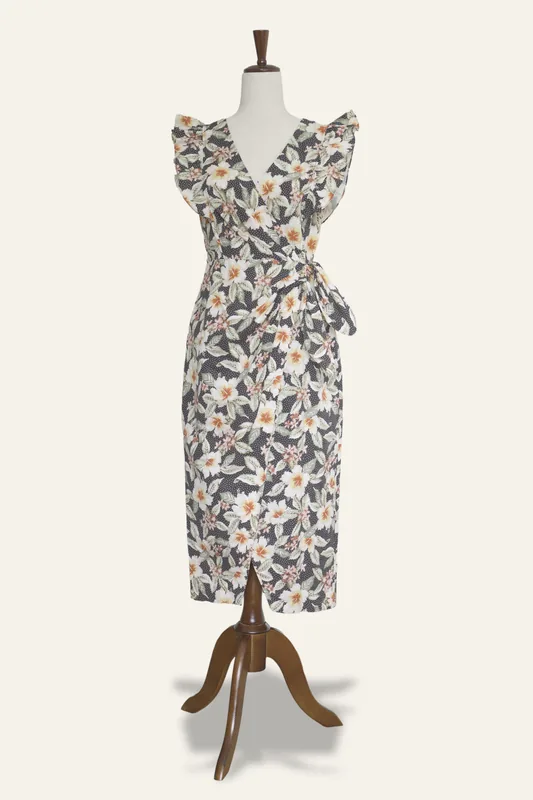
Drag the divider to compare.
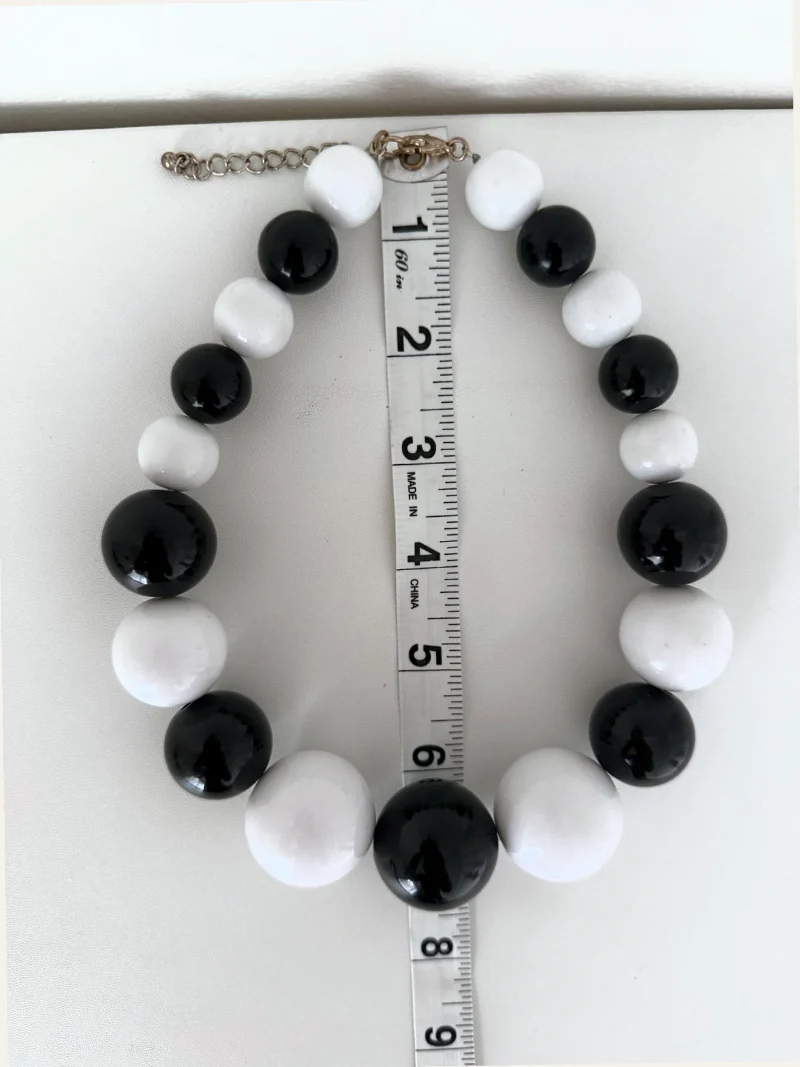
Straighten it
This photo is slightly tilted. Drag the two ends of the gold line so it runs along the edge of the tape measure, and Poof turns the photo level.
Light and color are already adjusted here — now straighten it.
Drag the ends of the gold line onto the tape's edge — or drag the whole line.
Drag the divider to compare.
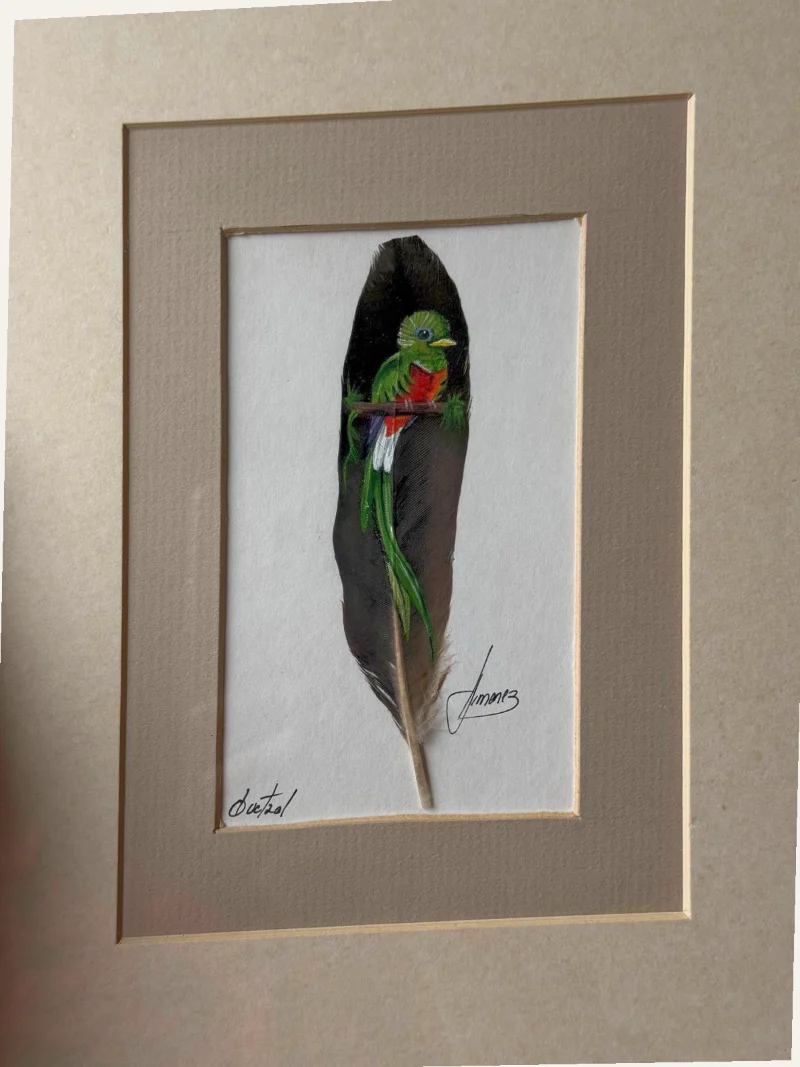
Square it up
This photo was taken at an angle, so the picture frame looks slanted. Line the gold corners up with the corners of the picture's opening, and Poof straightens the whole photo as if you'd shot it head-on.
Light and color are already adjusted here — now square it up.
Drag each gold corner to a corner of the white picture inside the mat.
Post it yourself
Poof sits in Chrome's side panel beside the marketplace's form.
On a phone, tap a photo and then the photo box instead of dragging.
Best seen on a computer — Poof is a computer app, and the posting panel lives in Chrome's side panel. You can still scroll the preview below.

Example marketplace · New listing
Add photos
Posting view
Copy each field into the marketplace's own form.
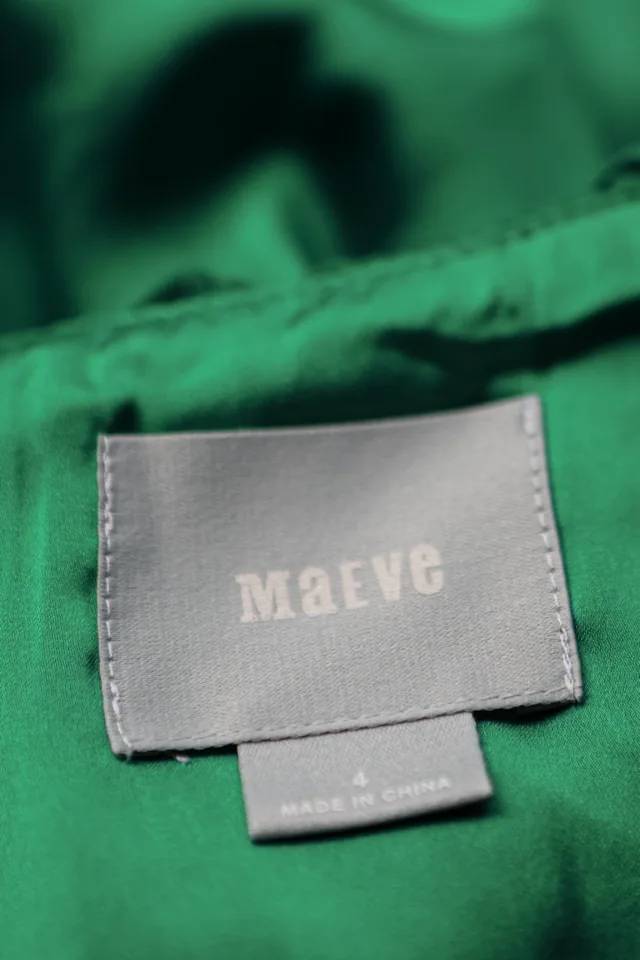
LQ-0010 Anthropologie Maeve green ruffle V-neck dress
Photos
6 photos ready, cover first. Drag them across.Tap one to add it.
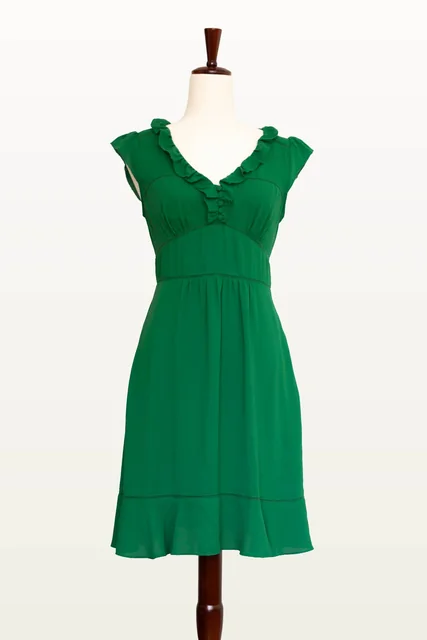
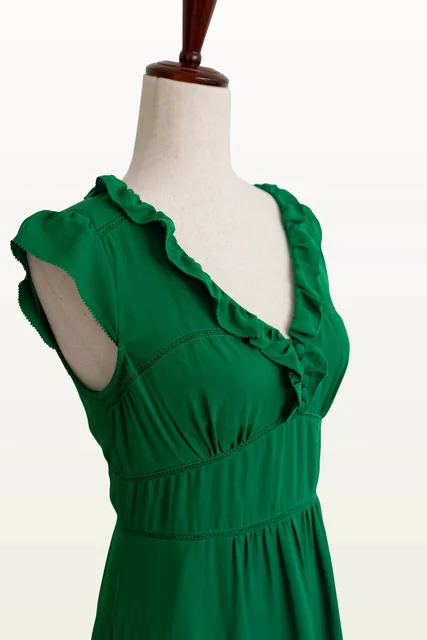
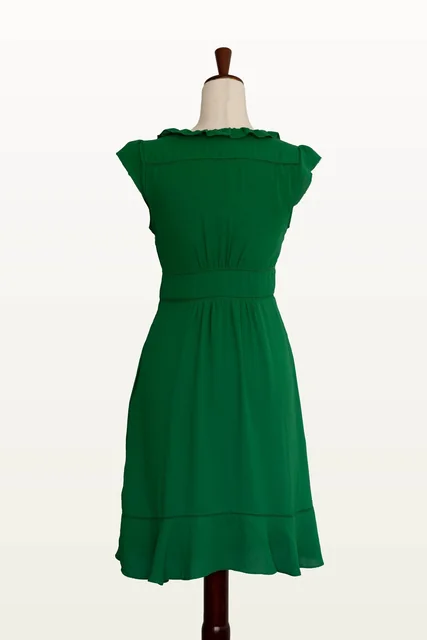
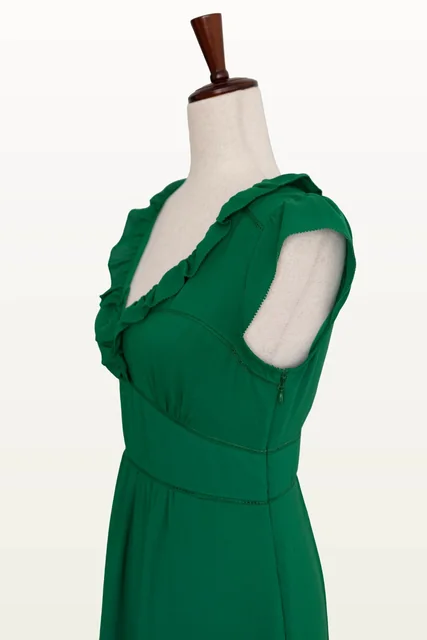
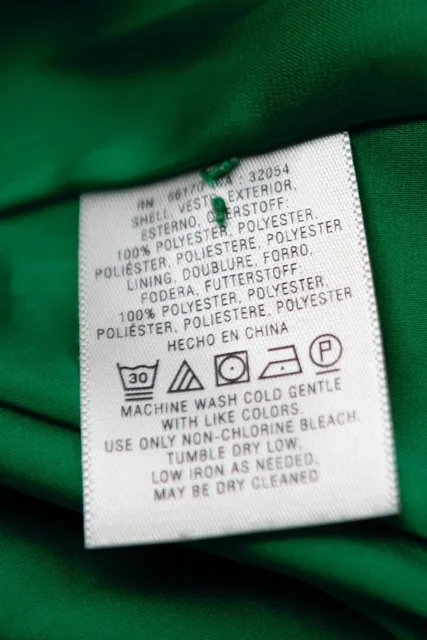
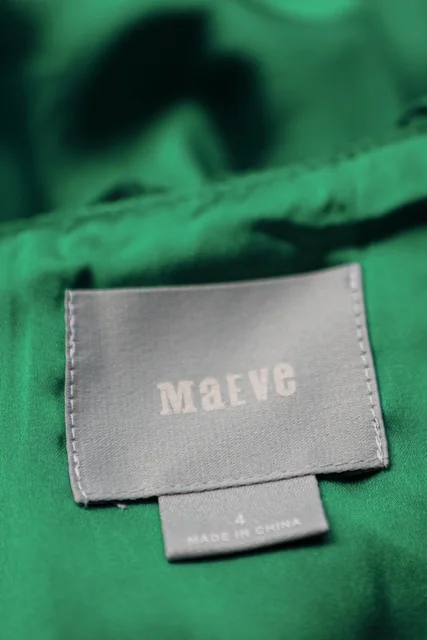
Title
Anthropologie Maeve Green Ruffle V Neck Dress Size 4 Cap Sleeve A-Line Ladder Trim
Description
Maeve emerald green dress, size 4, with a ruffled V neckline, fabric-covered buttons at the bust, and delicate cap sleeves. Features narrow ladder-style trim along the bodice, shaped waistband, and flounced hem. Soft gathering beneath the bust and through the skirt creates a feminine A-line silhouette. Lined, with a concealed side zipper. • Size: 4 • Shell: 100% polyester • Lining: 100% polyester • Concealed side zipper • Machine wash cold, gentle cycle; tumble dry low • Condition: new without tags
Price
34.99 USD
Finish posting
Paste the listing's link here to record it in Poof.
You stay in charge
Poof runs on your computer. Your photos and listings stay there.
A local app in your browser. No Poof account, no cloud storage.
Your original photos are never changed. Edits are saved as new copies.
Originals are opened read-only; every edit is a separate file with its own history.
AI is off until you switch it on, and then it uses your own ChatGPT plan.
The default setting is Local only — no OpenAI. Nothing is sent until you press a button that says what it sends.
Every AI guess stays marked unconfirmed until you check it.
A detail is confirmed only when you check it or edit it yourself.
Nothing posts for you. You post each listing yourself.
Poof sits beside the marketplace's form and copies fields; it never types, clicks or submits there.
Get Poof
Poof is a Mac app. A Windows version is in the works. It will be free and open source (MIT). Want to try it? Request the installer below.
- Try the demo
- Read the manual
- GitHub: coming soon