Check shops
Check shops looks through your shop pages and saved listing links on Vinted, Facebook Marketplace and ThredUp, to find listings you posted outside Poof! and link them to your items. Open it from the side pane: Check shops.
Run a check
- Tick the marketplaces to check.
- Open My shop & listing links for each one and add your shop's link, any listing links (one full link per line), or a page you saved from that marketplace.
- Press Check shops. Stop checking stops it. Read only the pages and links I added reads only what you added this time.
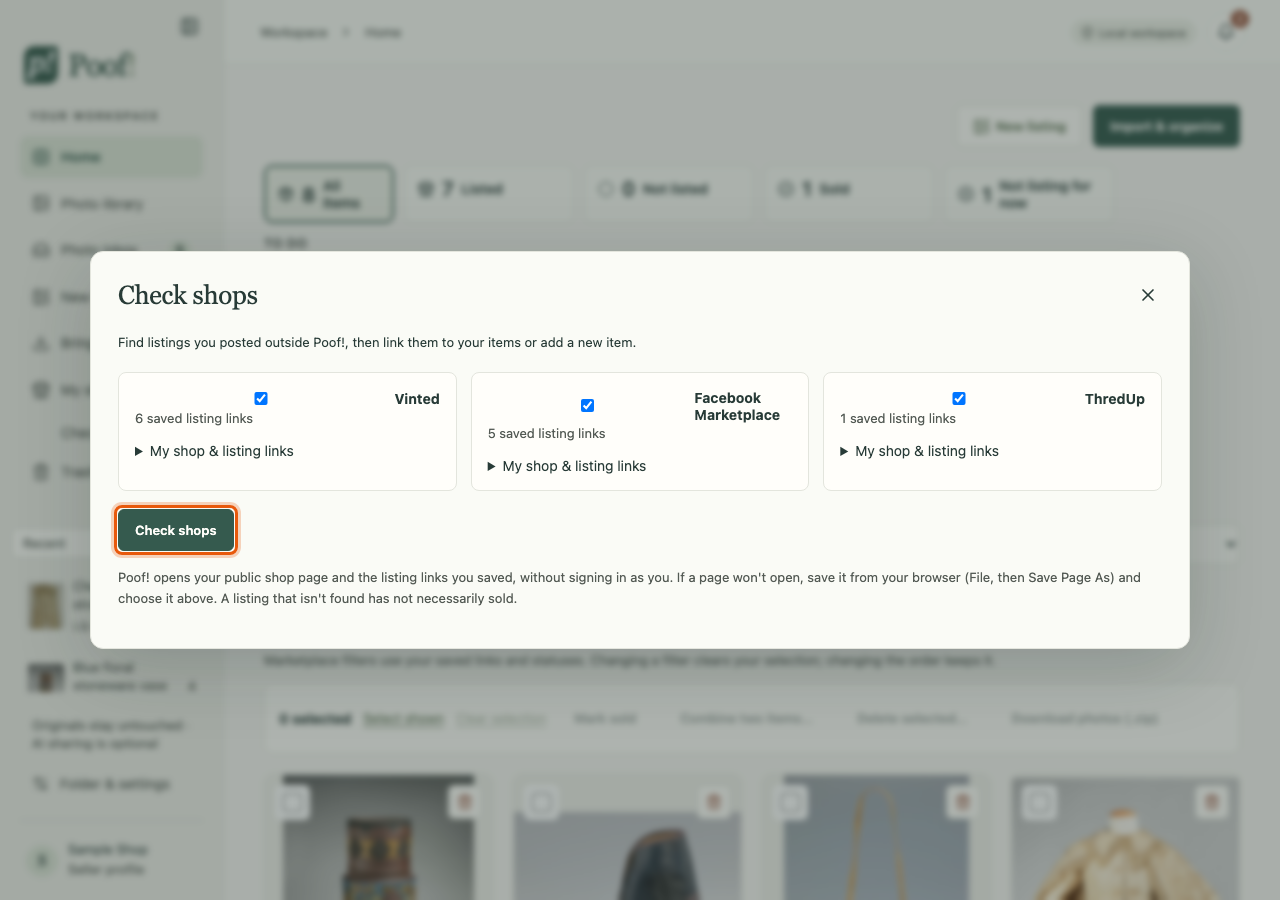
Poof! opens your public shop page and the links you saved, without signing in as you. If a page won't open, save it from your browser (File › Save Page As…) and choose it instead.
Read the results
- A listing whose exact number Poof! already knows is matched to its item.
- A listing that only looks similar by its wording is shown as a possible match. Make sure it is the same piece before choosing it.
- For a new listing, choose an item and press Link to this item, or press Add item & link listing to make a new item. Undo link reverses a link.
- A page that reports sold says so; open the item and confirm with Mark sold….
What was checked shows what Poof! could and couldn't open. A listing that isn't found has not necessarily sold, and nothing is removed or marked sold because of a check. Earlier checks are under Check history.